

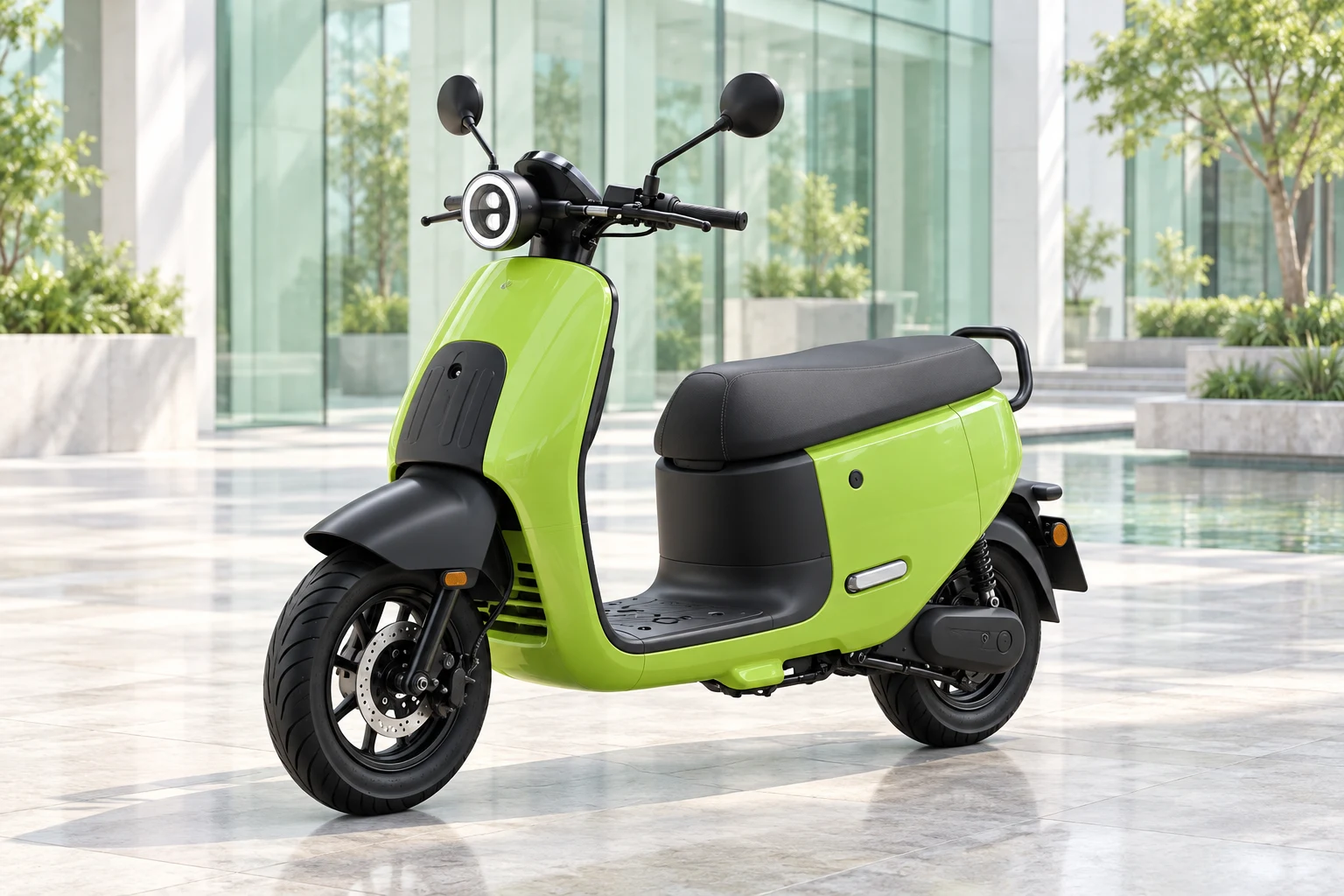
 01 / 5AI style illustration · Not an actual vehicle
 MOTOYOYO
Vehicle gallery
Explore styles and choose your preference
A style for every kind of day.
01 / 5AI style illustration · Not an actual vehicle 02 / 5AI style illustration · Not an actual vehicle
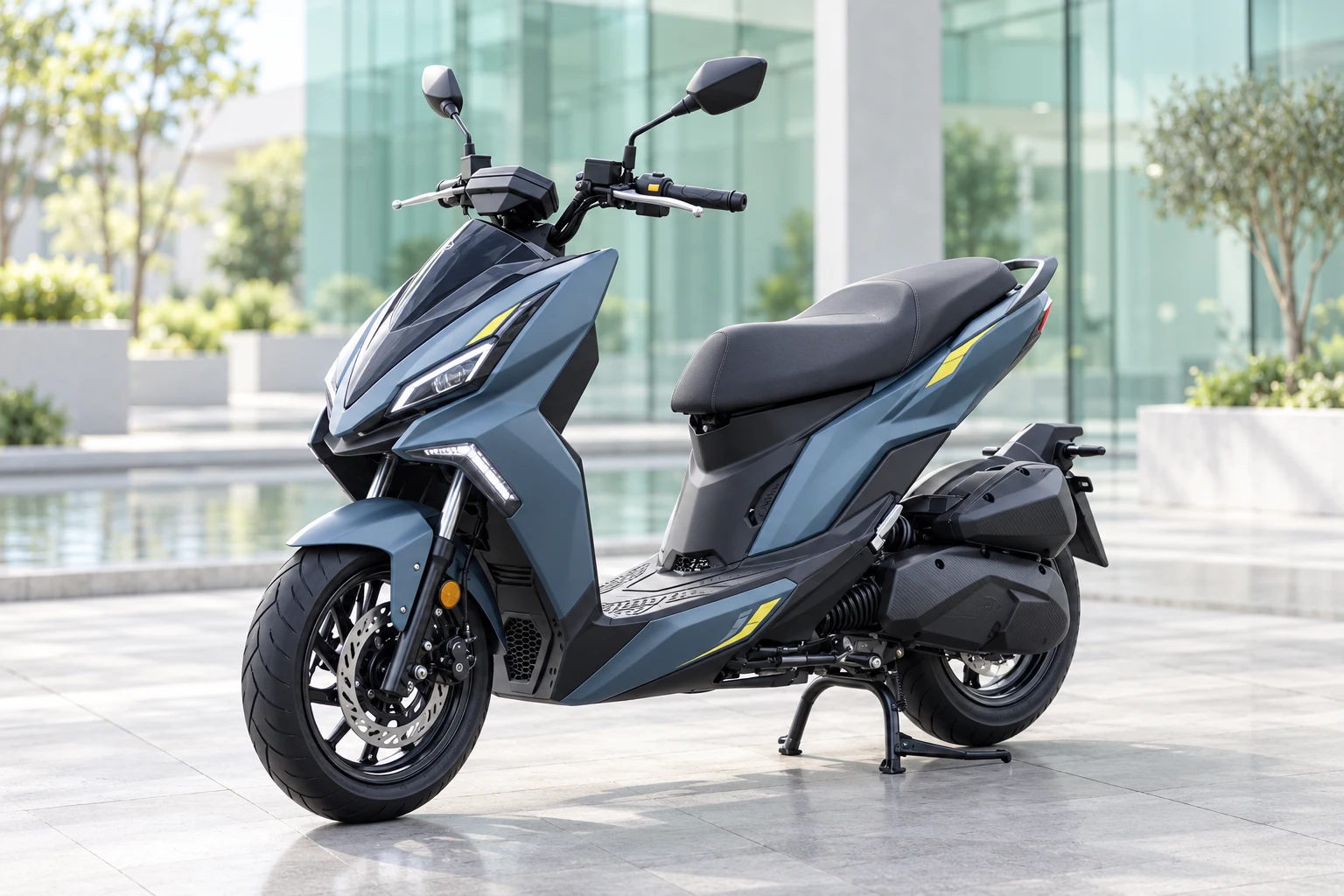 03 / 5AI style illustration · Not an actual vehicle
 04 / 5AI style illustration · Not an actual vehicle
 05 / 5AI style illustration · Not an actual vehicle
Explore your preferred style. Our team confirms the model, colour and availability, then provides actual vehicle photos.
AI pre-screen & application
Explore your needs, see the four steps, then choose a ride
AI pre-screen & application
Explore your needs, see the four steps, then choose a ride
A different way to make your daily ride work.
A roughly 2-minute needs questionnaire: start with your status, use and budget, get up to 3 vehicle suggestions, then ask our team to confirm a quotation and subscription terms.
Choose a budget, then confirm a quote
Budget helps match vehicles; estimates are not final quotes. Our team confirms rent, deposit, energy, insurance and maintenance costs.
View cost items
- Monthly rent
- Recommendation cards show estimates. Confirm the final amount, term and included services with the team.
- Deposit
- Confirm whether one is required, its amount, refund conditions and timing in the final plan and agreement.
- Energy
- Confirm who pays for fuel, charging or a battery plan and whether it is billed separately.
- Insurance
- Check the actual policy for coverage, permitted use, limits and deductibles.
- Maintenance and repairs
- Confirm responsibility for routine maintenance, wear items, faults and damage, and the service process.
- Early termination
- Confirm notice, settlement, vehicle return and possible costs in the final agreement.
A pre-screen is not approval, a quotation or a vehicle reservation.
Your application in 4 steps
Choose a ride and leave detailsAnswer a few questions, see matches and leave your contact details. No payment or document upload at this step.
- 4 languages
- No ID upload
- Human review
Everyday riding · Choose the worry you know best
Getting around should not take over your day.
Not there yet. Already running out of patience.
An early class, a tight transfer, then rain and an unexpected taxi ride. You just want to arrive on time, but transport feels like another job. Start with your usual routes and monthly budget to find a vehicle that fits your day.
Illustrative situations, not customer testimonials.
Eligibility review is required; approval is not guaranteed. Our team explains fees, rental terms, deposits, insurance, maintenance and return charges before signing. Cover follows the policy and its effective conditions.
Information centre
Licences, fees and riding guides
Information centre
Licences, fees and riding guides
YOYO · Life on Two Wheels

The guide archive
Search and topics
How to check scooter tire pressure: start with the manual and cold tires
Find the front and rear cold-pressure values and units for your scooter, then check with a gauge. Another scooter’s settings or the maximum on the sidewall are not your everyday target.
1 / 12 guides
Smart service lookup
Application, subscription and riding support
Smart service lookup
Application, subscription and riding support
Find your next answer, from application to everyday riding.
Paste the link received after applying, or enter your reference and access code.
Partnership concepts
Explore future mobility partnerships
Partnership concepts
Explore future mobility partnerships

Concept · Not live
Travel route discovery
A free weekend, but no destination yet? We hope to connect city, coast and hillside routes around your time and interests, with community rides you can join.
- Themed routes
- Community rides
- Trip preparation

Concept · Not live
Lower-carbon, greener transport
Your daily route can be a starting point for understanding emissions. We hope to connect vehicle, energy and trip data to explore transport-emissions estimates and lower-carbon mobility partnerships. Estimates need a defined scope and method; they are not verified reductions or carbon credits.
- Emissions estimates
- Energy data
- Lower-carbon partnerships
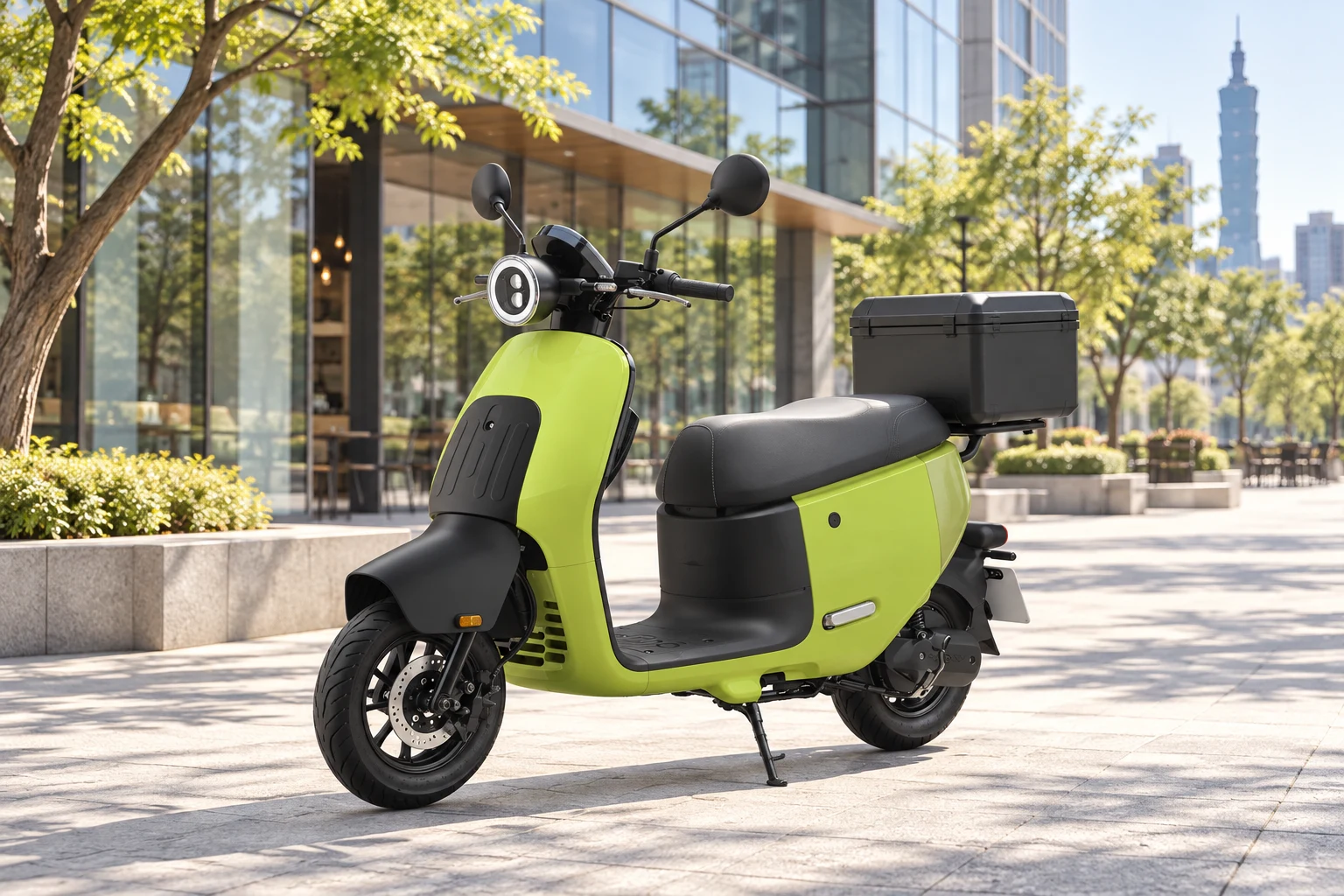
Concept · Not live
Ride without paying
Subscription-credit conceptExplore logistics, e-commerce and delivery partnerships. Eligible tasks may eventually offset part of a subscription; free rent and income are not guaranteed.
- Eligibility review
- Platform partners
- Credit assessment
Subscription costs and FAQs
Pre-screen petrol and electric scooter subscription needs, explore candidate vehicles and contact the team. Availability, eligibility, insurance, final costs and agreements require human confirmation.
Monthly budgets and cost checklist
Choose a monthly budget, then ask the team to confirm a vehicle and the full costs. These are smart-selection budget bands, not fixed plans or quotations.
| Monthly budget (TWD) | How it is used |
|---|---|
| NT$ 2,000–2,999 | Filter candidate vehicles by budget; stock, condition and final rent require confirmation. |
| NT$ 3,000–3,999 | Filter candidate vehicles by budget; stock, condition and final rent require confirmation. |
| NT$ 4,000–4,999 | Filter candidate vehicles by budget; stock, condition and final rent require confirmation. |
| NT$ 5,000+ | Filter candidate vehicles by budget; stock, condition and final rent require confirmation. |
| Cost item | What to confirm |
|---|---|
| Monthly rent | Recommendation cards show estimates. Confirm the final amount, term and included services with the team. |
| Deposit | Confirm whether one is required, its amount, refund conditions and timing in the final plan and agreement. |
| Energy | Confirm who pays for fuel, charging or a battery plan and whether it is billed separately. |
| Insurance | Check the actual policy for coverage, permitted use, limits and deductibles. |
| Maintenance and repairs | Confirm responsibility for routine maintenance, wear items, faults and damage, and the service process. |
| Early termination | Confirm notice, settlement, vehicle return and possible costs in the final agreement. |
A pre-screen is not approval, a quotation or a vehicle reservation.
Scooter subscription FAQs
How do I apply?
Complete the needs and eligibility pre-screen on MOTO YOYO, then review the preliminary vehicle directions. If you decide to leave contact details, check and submit the form yourself for team follow-up. A pre-screen is not approval, a quotation or a vehicle reservation.
How long does an application take?
The online AI pre-screen takes about 2 minutes to fill in. That is form time, not approval or handover time. The team then reviews the submission; timing depends on complete information, eligibility checks and vehicle availability. The website does not publish a fixed completion period. If you have a date in mind, ask the team what timing they can arrange.
Is approval easy to get?
There is no published approval rate, and I cannot judge how likely your application is to pass. The pre-screen gives initial vehicle suggestions. The team still needs to check identity, driving licence, residence and plan conditions. Answer honestly and ask about anything unclear; submitting the pre-screen does not mean approval or reserve a vehicle.
What does an international student need?
The pre-screen asks about your status, licence, residence and service area. Answer accurately and ask staff about uncertain requirements. Start with the international-student guide; this chat does not review documents or determine eligibility.
What does the monthly plan include?
Check the monthly fee, deposit, insurance, maintenance, wear items and early-cancellation terms together. You can enter a budget to see vehicle directions. The team confirms actual costs and included services for the vehicle and plan; this chat does not provide quotations.
Can I choose a model and colour?
You can enter power type, brand and colour preferences in the pre-screen. Recommended photos are references and the pictured colour may differ from your preference. The team confirms whether a matching vehicle and colour are available.
What should I check about insurance?
The information centre has a guide to compulsory insurance and coverage. Ask the team to confirm your vehicle’s policy, intended use and responsibilities against the policy and contract. This chat cannot promise coverage for every loss or determine accident liability.
How do maintenance and repairs work?
Check your plan and contract for service contacts, included work and cost-sharing, then contact the team through its official channels. I can help you find information, but cannot book repairs, report incidents or dispatch assistance.